 Back to templates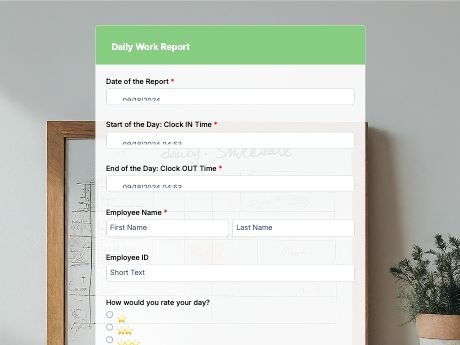
Daily Work Report Form Online
Tags/categories: Report Forms
What is a daily work report form?
A daily work report form gathers employees’ log on the tasks they finished, hours worked, and any issues from the day.
This form template allows managers to have a clear view of progress without chasing status updates. Instead of end-of-day check-ins or scattered messages, each team member submits one report when their shift ends.
Customize the template to match how your team tracks work, then share it as a link on your company portal or as a QR code at job sites, in break rooms, or on time clocks. Every report saves to your TIGER FORM account, so managers can check daily progress for the whole team in one place.
Use this work report log to track your employees daily progress. You can also build your own tracking form from scratch with TIGER FORM's AI form builder.
Benefits of this template
managers get a daily snapshot of what got done without needing to ask around.
blockers or delays get flagged the same day instead of surfacing at the next meeting.
every report is stored digitally and searchable, useful for tracking progress over time.
a submitted report for each shift creates a clear record of completed work.
employees submit reports from their phones instead of filling out spreadsheets manually.
Fields
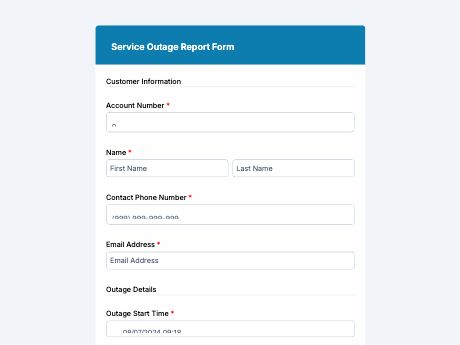
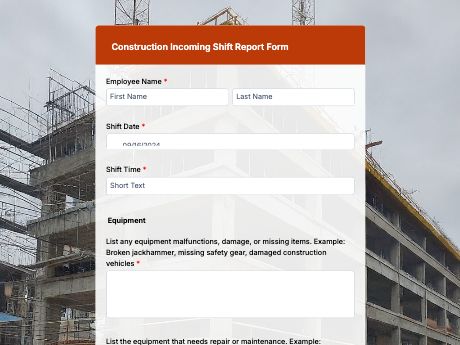
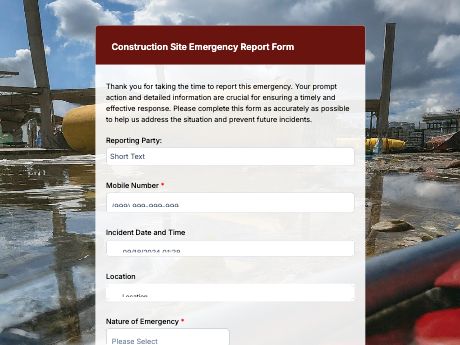
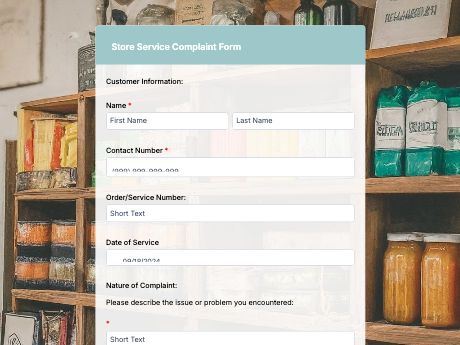
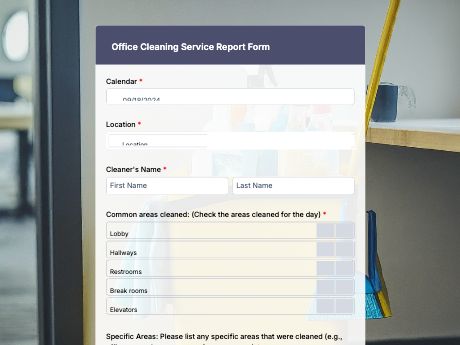
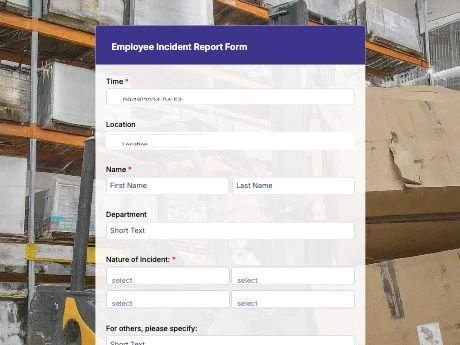
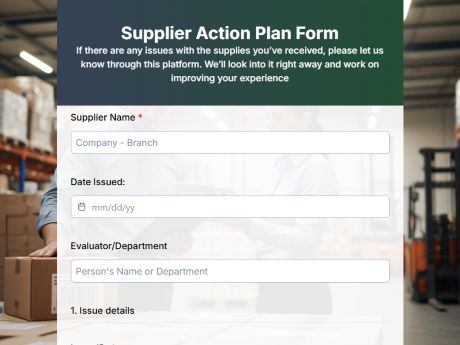
This daily work report template is a standard task tracking form with fields such as:
Start customizing this Daily Work Report Form Template in TIGER FORM
Best for
This template works for any team that wants a clear, consistent record of daily work.
Industries Use Case
Daily work reports adjust depending on the type of work, but the goal is always the same: keep managers informed without extra check-ins.
Reports track tasks completed on-site and flag equipment or safety issues as they come up.
A daily report keeps managers informed on progress without needing constant check-in calls.
Shift reports document completed tasks and any issues across multiple locations or shifts.
Others (Hows and Tips)
How to create a daily work report form with TIGER FORM?
Choose this template and refine to match your company’s brading and needs.
You can aslo fo to TIGER FORM's online form builder, select the “Forms,” and start from scratch.
Add or edit fields such as tasks completed, hours worked, and blockers using the drag-and-drop builder.
Customize the form's design to match your company branding.
Preview the form on both desktop and mobile to check for errors.
Generate a QR code linked to your form and customize its design if needed.
Share the form link or QR code on your company portal, at job sites, or in break rooms.
Tips on creating daily work report forms
- Keep the log form organized but simple so your employees can fill it quick and with less hassle, every after shift.
- Add an open-answer field for blockers or issues so problems get flagged the same day.
- Use a status field (on track, delayed, completed) for a quick overview at a glance.
- Test the form on mobile, since many employees will submit reports from a job site.
- Set up alerts so managers can review reports as soon as they come in.
FAQs about the daily work report form
It's a form used to log completed tasks, working hours, and issues faced during the day, giving managers a clear picture of progress without chasing status updates.