

 Back to templates
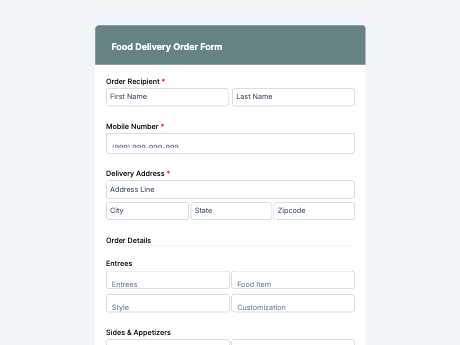
Food Delivery Order Form
Tags/categories: Order Forms
What is a food delivery order form?
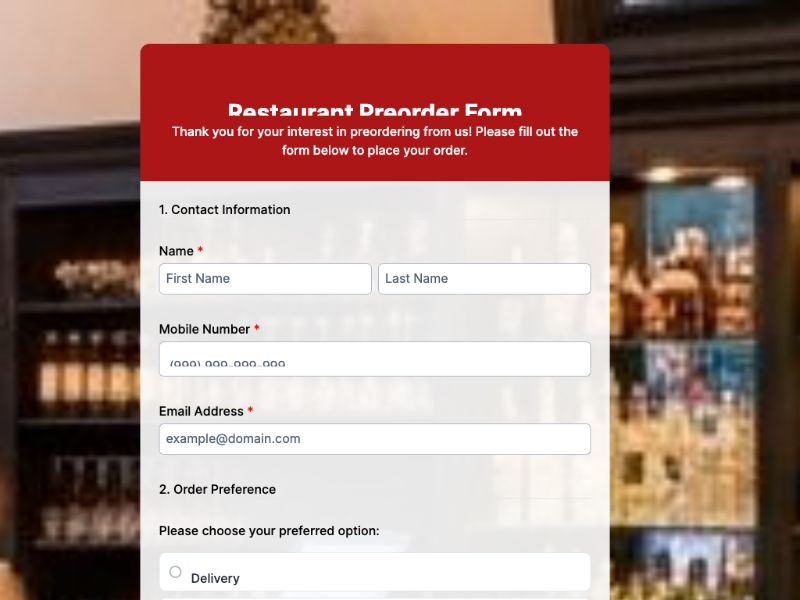
A food delivery order form, also called a food order form, lets customers place an order directly with a restaurant or food business by selecting menu items, quantities, and delivery details in one place. Instead of managing orders through phone calls or scattered messages, businesses get every order organized and ready to prepare.
Customize this template to match your menu, then share it as a link on your website or social media, or as a QR code on tables, packaging, or delivery flyers. Every order lands in your TIGER FORM account, so your team can process requests without juggling calls during peak hours.
Get started with the Food Delivery Order template, or build your own order form from scratch with TIGER FORM's AI form builder.
Benefits of this template
structured menu selections cut down on mixed-up items or missed special requests.
orders come in complete and ready to prepare, without back-and-forth phone calls to confirm details.
customers can order straight from your website or a QR code, reducing reliance on third-party delivery apps.
every order is stored digitally and searchable, making it easy to track order history and volume.
customers can order anytime, from any device, without waiting on hold during busy hours.
Fields
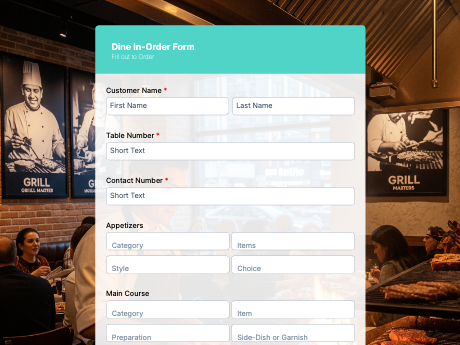
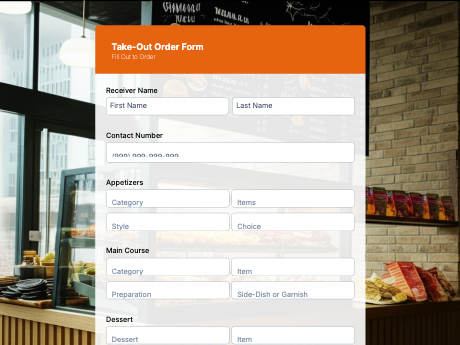
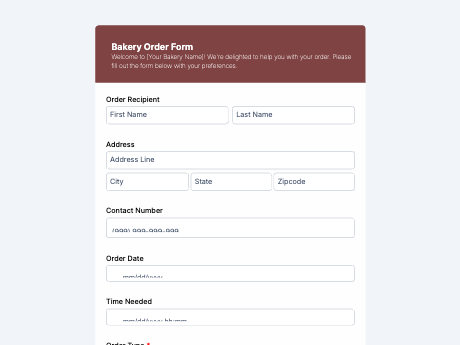
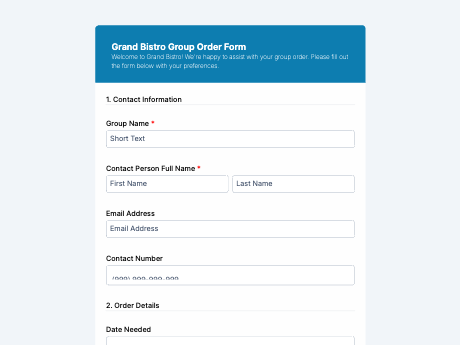
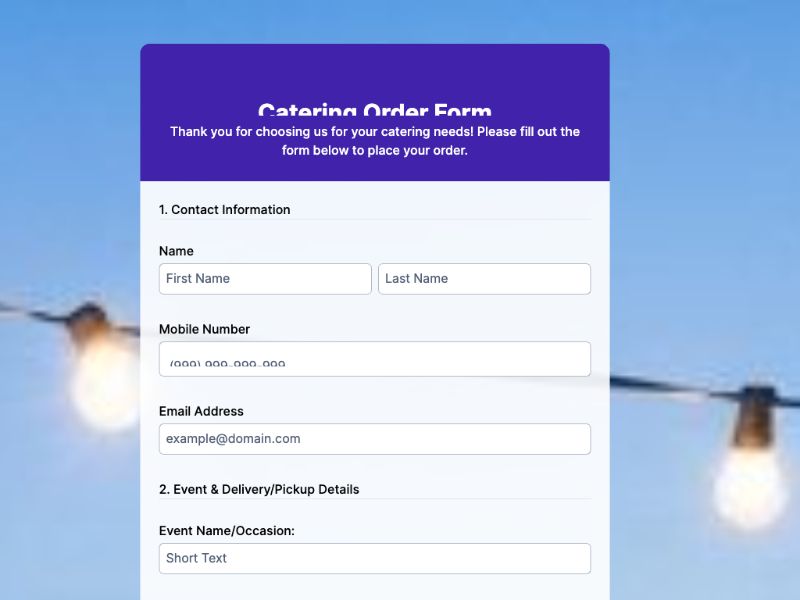
This food delivery order form template is a standard online food order form with fields such as:
Start customizing this Food Delivery Order Form Template in TIGER FORM
Best for
This template works for any food business that wants to take orders without relying on calls or third-party apps.
Industries Use Case
Food delivery orders need to shift depending on the type of business, but every food provider benefits from a structured, error-free ordering process.
Order forms help manage dine-in, takeout, and delivery requests without overwhelming phone lines during peak hours.
A simple order form gives small operators a direct ordering channel without needing a full POS system.
Forms support multiple menu categories and delivery zones for businesses operating without a physical storefront.
Others
How to create a food delivery order form with TIGER FORM?
Select the food delivery order template or go to TIGER FORM's online form builder and start from scratch. You can also use the AI form generator for starter setup.
Add or edit fields such as menu items, quantities, and delivery details using the drag-and-drop builder.
Customize the form's design to match your restaurant or brand.
Connect a payment option to collect payment upfront.
Generate a QR code linked to your form and customize its design if needed.
Share the QR code on your website, social media, or table displays.
Tips on creating a food delivery order form
- Organize menu items into categories, like appetizers, mains, and drinks, so the form is easy to navigate.
- Add a special instructions field for allergies or dietary restrictions so nothing gets missed in the kitchen.
- Include a delivery time or time slot field to help manage order flow during busy periods.
- Connect a payment option to streamline the ordering process from start to finish.
- Test the form on mobile, since most customers will order from their phone.
FAQs
A food order form is used by customers to place an order directly with a restaurant or food business, selecting menu items, quantities, and delivery details in one submission.