 Back to templates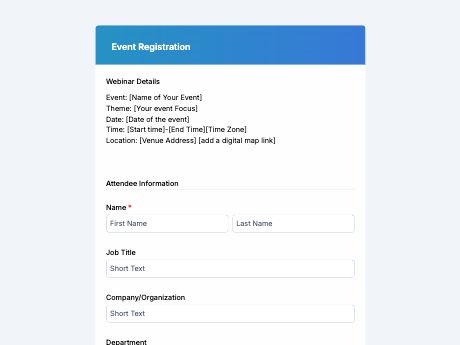
Event Registration Form Template
Tags/categories: Registration
What is an event registration form?
An online form for event registration lets attendees sign up for a conference, workshop, webinar, or gathering by submitting their details in one place. Instead of managing sign-ups via email or a paper guest list, organizers get every registration organized and ready to review as soon as it's submitted.
Refine this form template to match your event and TIGER FORM, and share it as a link on your event page or as a QR code on posters, invitations, or social media. Every registration lands in your TIGER FORM account, so you can track attendance without digging through spreadsheets.
Add fields for session or ticket selection, dietary requirements, or payment details, and set up notifications so your team knows the moment someone registers. Generate a QR code attendees can scan from a poster or flyer to register on the spot.
Benefits of this template
attendees register in minutes instead of emailing back and forth with the organizer.
typed responses replace handwritten sign-up sheets that are easy to misread.
every registration is stored digitally and searchable, ready for check-in or follow-up.
session and ticket selections give organizers a clear headcount ahead of the event.
collected emails and contact details make it simple to send updates or reminders.
Fields
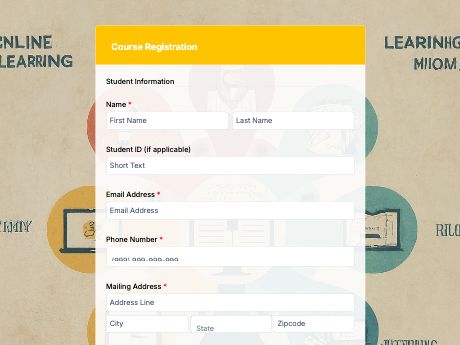
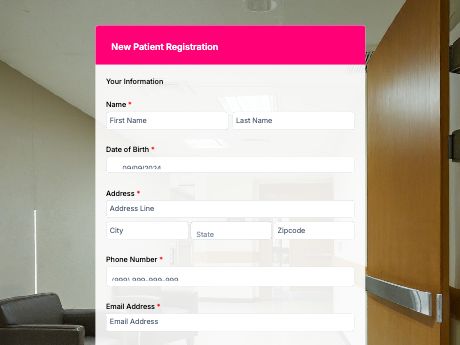
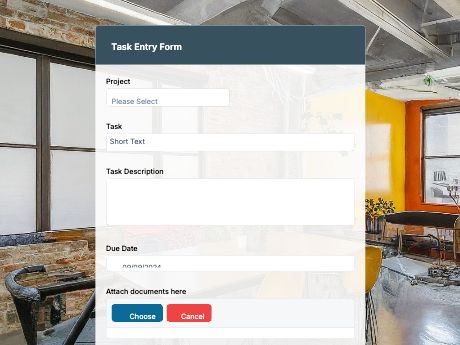
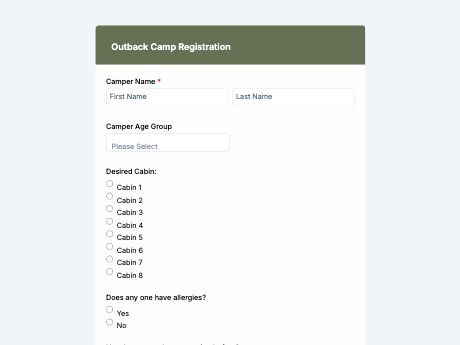
This event registration template is a standard sign-up form with fields such as:
Start customizing this Event Registration Form template in TIGER FORM
Best for
This template works for individuals and teams planning an event who need a clear headcount and attendee details.
Industries Use Case
Event registration needs to shift depending on the type of gathering, but every organizer needs the same core details to plan well.
Forms need session and ticket fields to help organizers manage attendance across multiple tracks.
Simple, mobile-friendly forms make it easy for attendees to register quickly from any device.
Registration forms often include donation or add-on fields to support event goals.
Others (Hows and Tips)
How to create an event registration form with TIGER FORM?
Go to TIGER FORM's online form builder and start from a blank form, but for an easier start, use this template for your event registrations.
Add or edit fields such as session selection, ticket type, and contact details using the drag-and-drop builder.
Customize the form's design to match your event branding.
Preview the form on both desktop and mobile to check for errors.
Generate a QR code linked to your form and customize its design if needed.
Share the form link or QR code on posters, invitations, or social media.
Tips on creating an event registration form
- Keep the form short - ask only for what you need to plan and manage the event.
- Add a session or ticket selection field if your event has multiple options.
- Include a dietary or special requirements field for in-person events with food.
- Test the form on mobile, since most attendees will register from their phone.
- Add a consent field for event terms or photo/video release, if applicable.
FAQs about the event registration form template
Full name, contact number, email address, session or ticket selection, and any dietary or special requirements.