 Back to templates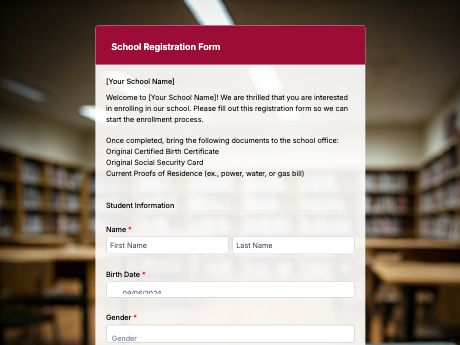
School Registration Form Template for Easy Enrollment
Tags/categories: Registration
What is a school registration form?
A school registration form collects a student's personal information, academic records, and enrollment details, used mainly for new admissions or student transfers at the start of the school year.
Instead of long enrollment lines and paper forms that staff have to manually encode later, parents and students fill out one digital form, and the details go straight into your system.
Customize the template to match your school's enrollment requirements, then share it as a QR code on posters at the gate, flyers, your school website, or emails to prospective families.
Every submission is stored in your TIGER FORM account, so your admissions team can review applications without sorting through paper files.
Get started with the School Registration template, or build your own enrollment form from scratch with TIGER FORM's AI form builder.
Benefits of this template
submissions arrive already digital and structured, so staff skip manual encoding and get clean data instantly.
typed responses replace illegible handwriting, cutting down on wrong names, contact details, or misplaced records.
families register from home or on their phone, so there's no more standing in line at the school office.
working parents or those living far away can complete registration on their own schedule.
every submission is stored digitally and searchable, ready for import into your school's SIS.
required fields and validation catch missing details before the form is submitted.
Fields
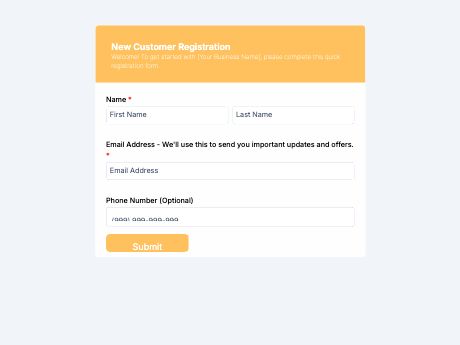
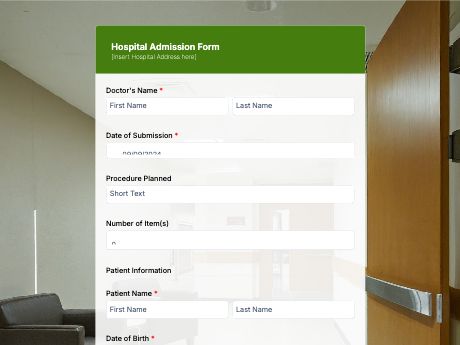
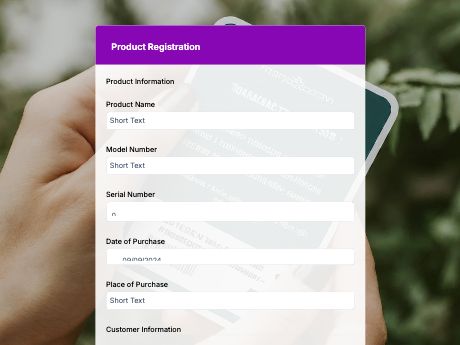
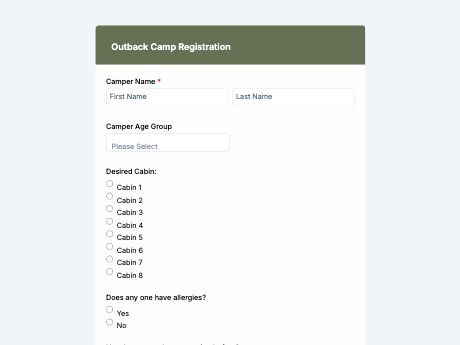
This school registration template is a standard student enrollment form with fields such as:
Start customizing this School Registration Form template in TIGER FORM
Best for
This template works for any school or institution managing student enrollment or transfers.
Industries Use Case
School registration needs to be adjusted by institution, but the core goal stays the same: collect accurate student information quickly.
Admissions teams often need detailed fields for past academic records and consent forms to process applications thoroughly.
High enrollment volume calls for a simple, mobile-friendly form that families can complete quickly during peak registration periods.
Forms may need extra fields for program-specific requirements like auditions, portfolios, or entrance assessments.
Others (Hows and Tips)
How to create a school registration form with TIGER FORM?
Go to TIGER FORM's online form builder and select the school registration template, or start from scratch.
Add or edit fields such as student details, grade level, and required documents using the drag-and-drop builder.
Customize the form's design to match your school's branding.
Preview the form on both desktop and mobile to check for errors.
Generate a QR code linked to your form and customize its design if needed.
Share and add the QR codes on posters, flyers, your website, or emails to families.
Tips on creating a school registration form
- Mark required fields clearly, especially student details and consent, to reduce incomplete submissions.
- Group fields by category (student info, academic records, consent) so the form doesn't feel overwhelming.
- Add a file upload field for past school records or required documents so everything comes in with the form.
- Test the form on mobile, since many parents will register using their phone.
- Reuse and adjust the same template each school year to keep the process consistent for returning families.
FAQs about the school registration form template
Student name, date of birth, parent or guardian contact details, grade level applied, past school records, and a consent field.